How to Choose a Template or Printable Without Starting Over
A practical decision guide for choosing templates and printables: clarify the task, match the format to the workflow, test editability, check licensing, and run a small experiment before committing.
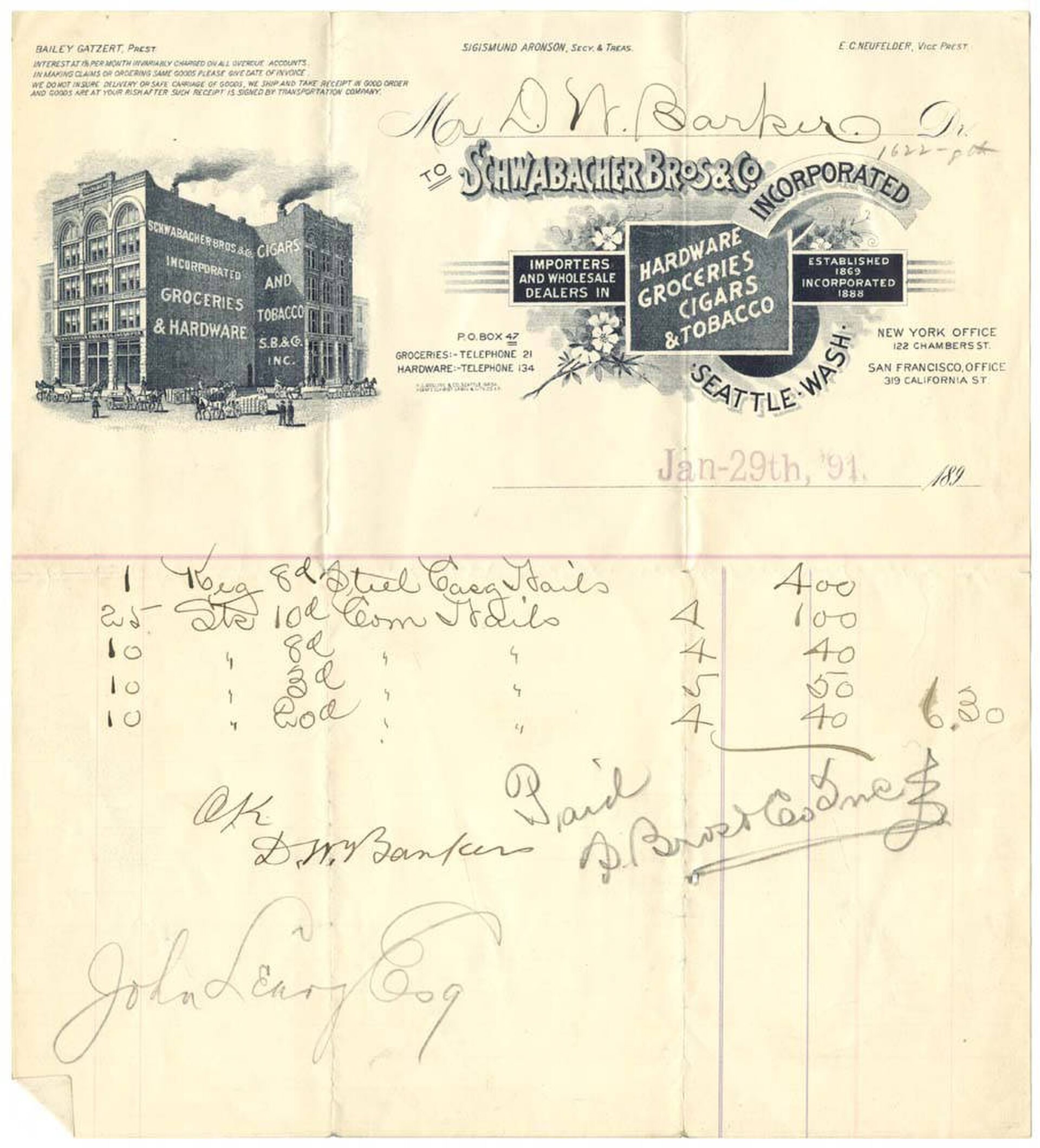
Cover: Museum of History and Industry · Wikimedia Commons · Public domain
Question: How do you choose a template or printable that actually fits your task, audience, and workflow?
Start with the job, not the file
Before browsing template galleries, name the outcome you need: a meeting agenda, a packing list, a budget sheet, a lesson plan, or an invoice. Decide whether the template will be filled in by one person or by several, whether it will live on screen or on paper, and whether it is a one-off or a repeatable system. These constraints narrow the search quickly and keep you from downloading pretty but impractical files.
Match the medium to the moment
Print-focused printables usually have fixed layouts and may use full-page colour, so think about paper size, ink use, and how much handwriting space each section leaves. Digital templates are more flexible when they live in tools you already use, such as word processors, spreadsheets, or design apps. If you need to update the same information often, choose a file type that you can edit natively. If the final version is for sharing or reading, a locked layout is fine.
Check what you can actually edit
Not every template is as editable as it looks. PDFs are reliable for printing but can be hard to customize without special software. Spreadsheet templates are powerful for calculations but require you to understand formulas before changing them. Design-tool templates give visual control but may depend on fonts, images, or accounts that do not transfer. Look at the file type, open it on the device you plan to use, and test whether every field you need can be changed.
Understand licensing and attribution
Free does not always mean free to reuse anywhere. Template pages usually state whether the file is for personal use only, for commercial use, or requires attribution. If you plan to sell something based on the template, distribute it to a client, or post it publicly, review the creator’s terms before you download. When in doubt, keep the template’s attribution notice or choose a source with clear licensing information.
Run a small test before you commit
Fill in the template with realistic sample content rather than empty placeholder text. Print one page if the final product is paper based, or open a preview if it is digital. Check alignment, margins, font sizes, and whether fields fit the length of real answers. A five-minute test at the start often prevents hours of reformatting later, and it shows you whether the template is a foundation you can build on or a starting point that needs too much rework.
Sources
- Canva template gallery: https://www.canva.com/templates/
- Microsoft Office template gallery: https://templates.office.com/
- Etsy printable templates marketplace: https://www.etsy.com/market/printable_templates