Putting together a cohesive Instagram feed takes time. You need layouts that work together, space to swap in your own photos and captions, and a format that doesn't require a design degree. In the canva social media designs space, two template packs offer a straightforward approach: download, edit in PowerPoint, export as JPG, and upload. One pack brings well over 200 layouts for fashion (or anything), and the other offers 30 layouts for electronics (or anything). Their prices sit at opposite ends of the spectrum, so the decision comes down to how much variety you need and what you want to spend.
Quick Verdict
For creators who post frequently and want long-term variety, the 200++ pack is the stronger investment. You get a much larger library of frames, so you can rotate designs without repeating yourself. If you're on a tight budget or only need a handful of polished layouts for a single campaign, the 30-pack's lower price and compact scope are hard to beat. Both packs are new and share the same PowerPoint editing flow.
At a Glance
Here's how they stack up on the essentials:
| Product | Listed Price | Template Count | Price Bar |
|---|---|---|---|
| 200++ Instagram Feeds Template for Fashion or Anything | USD 45.00 | 200+ | |
| 30 Instagram Feeds Template for Electronics or Anything | USD 19.00 | 30 |
Where Each Product Wins
- 200++ template pack: Takes the lead on volume and variety. With more than 200 layouts, you can post daily without repeating a frame. It also fits a fashion feed or anything else you throw at it.
- 30-template pack: Wins on entry price and simplicity. The 30 layouts are easy to browse, and it's a smaller upfront commitment if you're just getting started.
Product Notes
200++ Instagram Feeds Template for Fashion or Anything
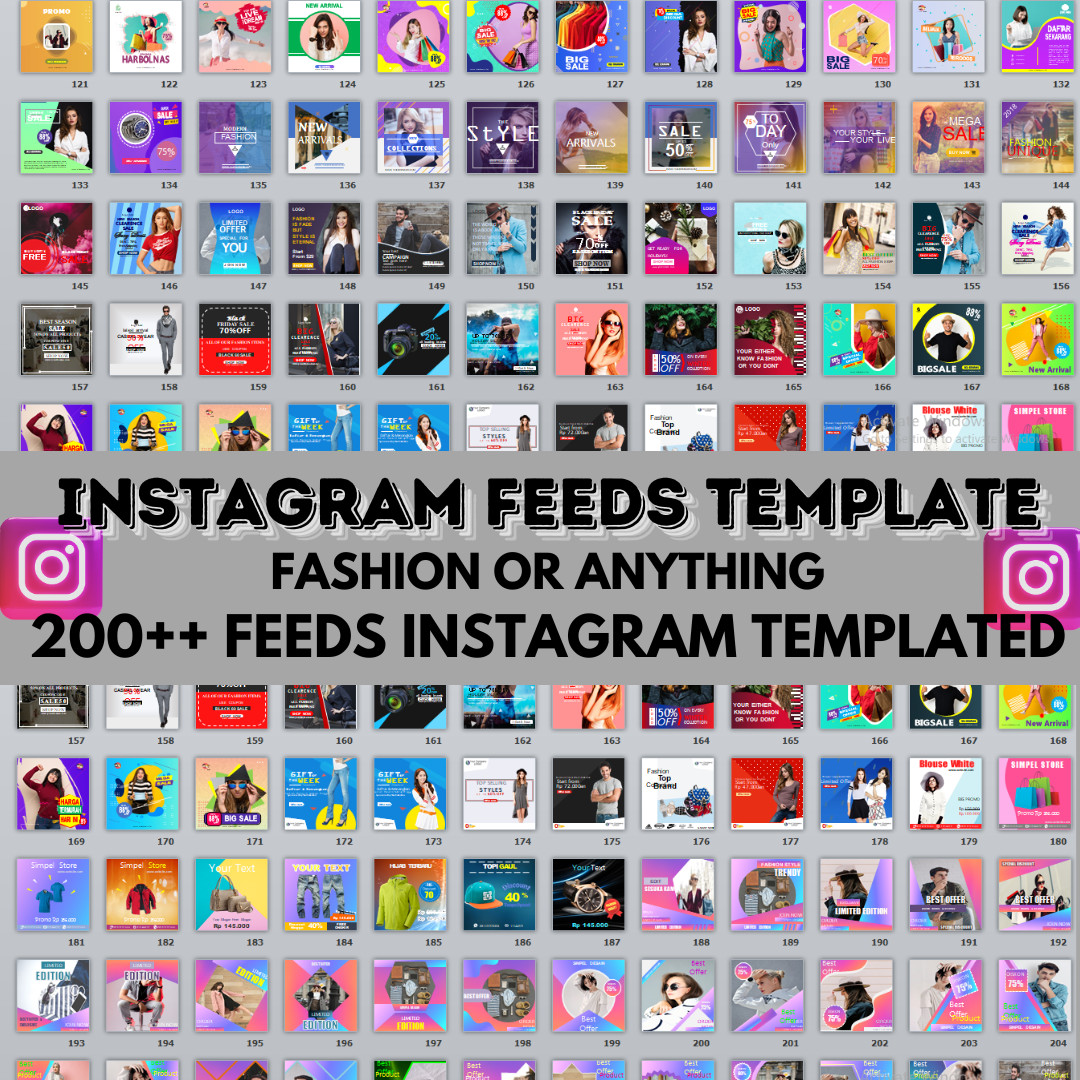
If you're building a fashion feed or a general brand account, the 200++ pack is the volume king. More than 200 layouts means you can rotate designs daily without duplicate frames for months. The "or anything" label means you can adapt templates beyond fashion-product launches, lifestyle, or local business content. The downside is the USD 45.00 price, which is a significant upfront spend, and the sheer number of templates can feel overwhelming when you just want to pick one quickly. If you're managing a high-volume posting schedule, the variety alone justifies the cost, since you'll keep the feed looking fresh without ever feeling stuck.
30 Instagram Feeds Template for Electronics or Anything
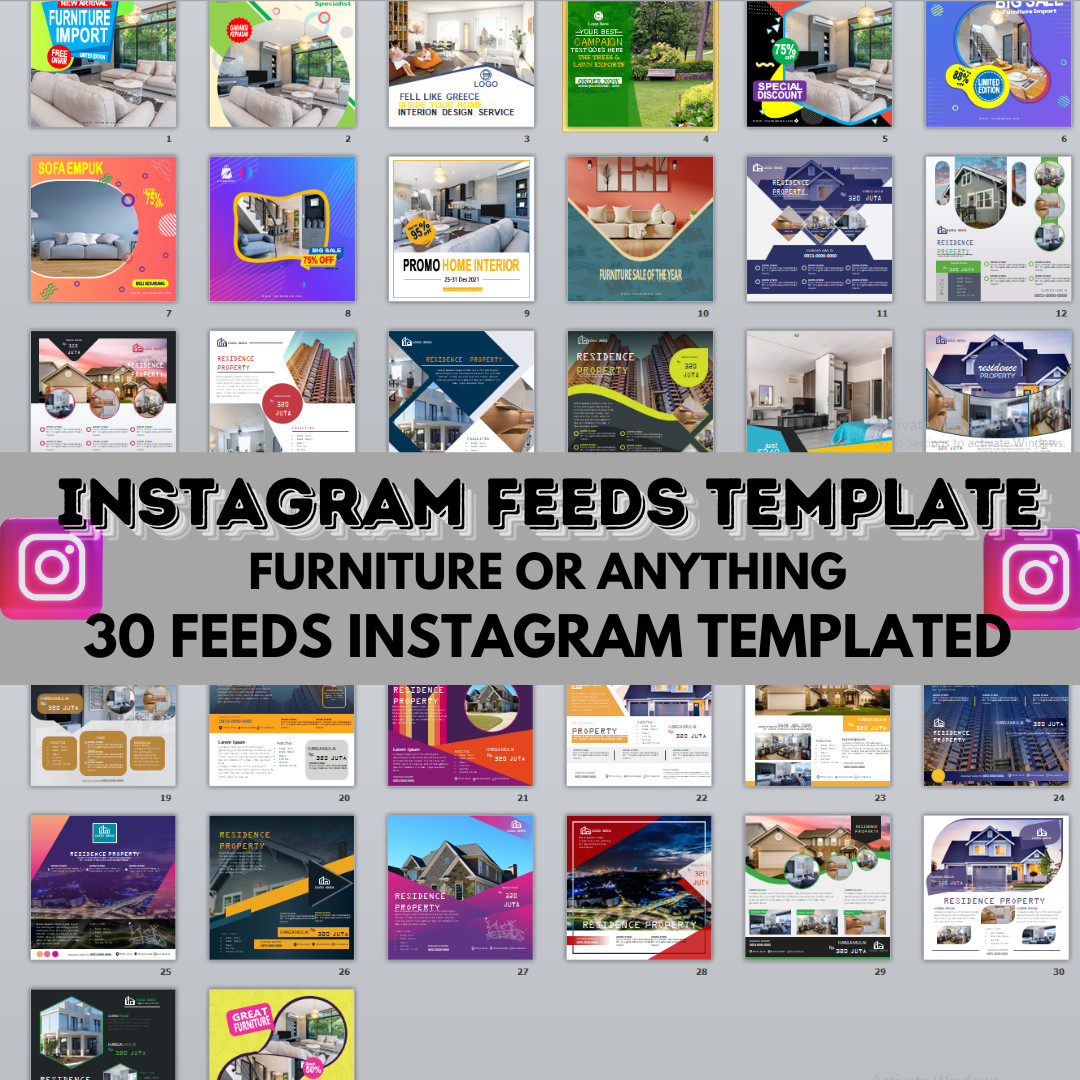
The 30-template pack is the low-stress entry point. For only USD 19.00, you get a manageable set of frames that still covers enough variety to rotate across a month of posts. Although it's labeled for electronics, the "or anything" phrasing gives you room to apply it to other niches. The main limitation is the count: with only 30 layouts, you'll start repeating frames sooner, especially if you post more than once a day. That trade-off is fine for a short campaign or a starter feed, but if you plan to build a long-term presence, you'll likely outgrow it and upgrade to a bigger pack.
Final Choice by Use Case
- Choose the 200++ pack if you post consistently, want a large library of Instagram layouts, and don't mind paying more for that flexibility. It's the better long-term companion for a content-heavy schedule.
- Choose the 30-pack if you're just starting out, working with a smaller budget, or need only a few clean frames for a specific project. It's a lean way to get a professional-looking feed without the higher cost.