If you're putting together canva social media designs for Instagram, a consistent feed is the difference between a scroll-stopping grid and a messy page. Feed template packs solve that by giving you ready-to-edit layouts, but the choice often comes down to one practical question: do you need a starter set or a massive library? Here, the two contenders are the 30-template pack for $19 and the 100++-template pack for $30. Both are new, PowerPoint-editable, and delivered by email, so the real decision is about how much variety you need for your content.
Quick Verdict
The cheaper 30-pack is the smart pick if you have a narrow niche like electronics and you want to test the template workflow without a big spend. The 100++ pack earns its higher price if you post often or create feeds for food, drink, or a mix of topics, because you'll have far more layouts to rotate. If you just need a few polished posts, the 30-pack is enough; if you're building an ongoing content calendar, the larger pack will save you from repeating designs.
Comparison Table
| Feature | 30-Template Pack | 100++-Template Pack |
|---|---|---|
| Price | USD 19.00 | USD 30.00 |
| Template count | 30 | 100++ |
| Editing software | Microsoft PowerPoint | Microsoft PowerPoint |
| Delivery | Email after payment | Email after payment |
| Condition | New | New |
Where Each Product Wins
The 30-pack wins for a tight budget and a focused use case. With 30 layouts aimed at electronics or any topic, it gives you enough variety for a small campaign or a fresh account without overspending. The 100++ pack wins for heavy content creators. The larger library lets you post frequently without repeating a design, and it's especially suited to food and drink themes where different dishes and angles call for new layouts.
30 INSTAGRAM FEEDS TEMPLATE FOR ELECTRONICS OR ANYTHING
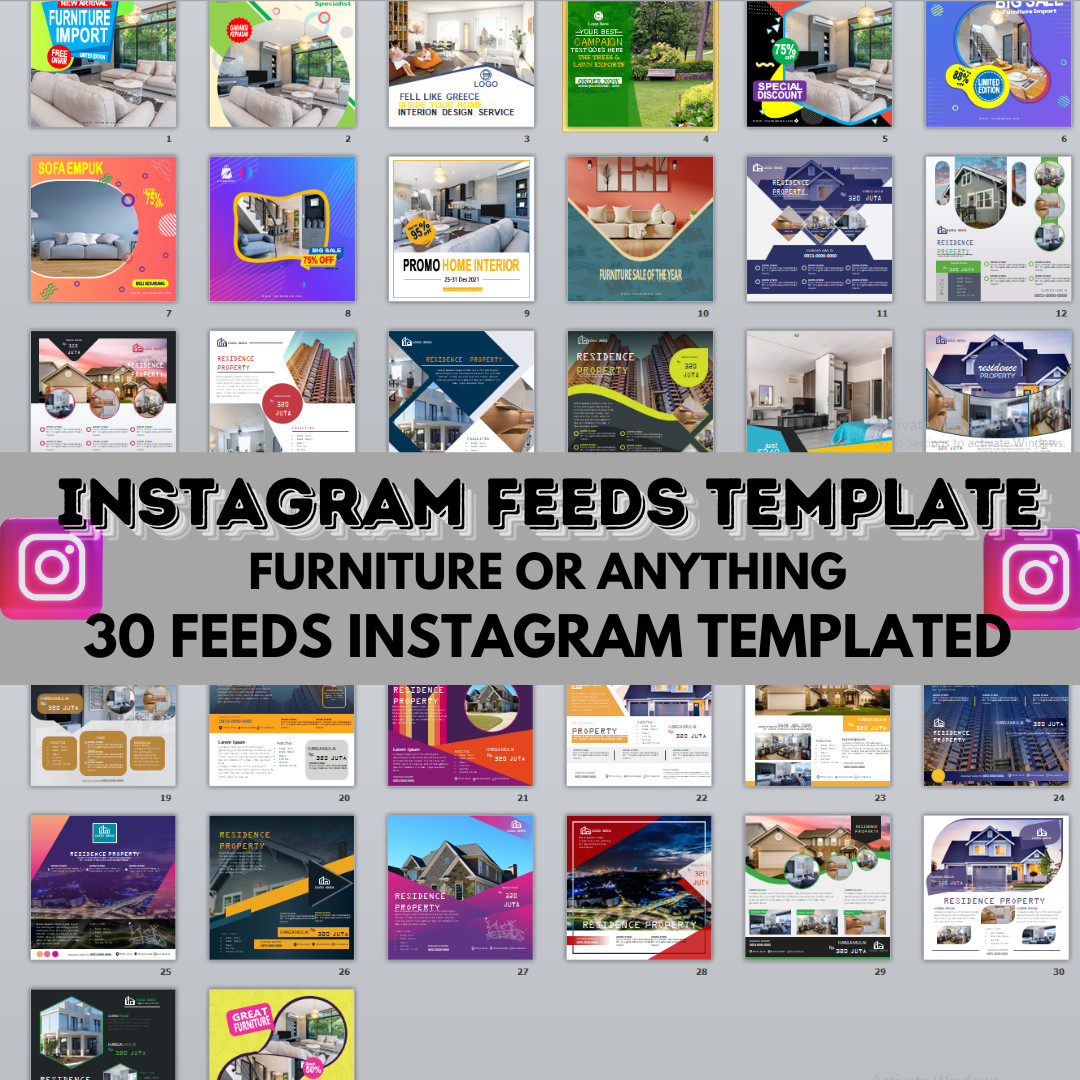
If you're just starting to build a consistent Instagram look, this pack gives you 30 editable layouts to work with. The process is straightforward: you edit photos and captions directly in Microsoft PowerPoint, save as JPG, and upload. That makes it a practical option if you're comfortable with PowerPoint and want a quick way to rotate designs. The 30 templates are enough to cover a product launch or a month of posts without looking repetitive, provided you space them out. The limitation is the size: with only three dozen designs, you'll likely want more if you post daily or run multiple themed feeds. It's best suited for a single niche like electronics, where a focused set of visuals can go further.
100++INSTAGRAM FEEDS TEMPLATE FOR FOOD&DRINK OR ANYTHING
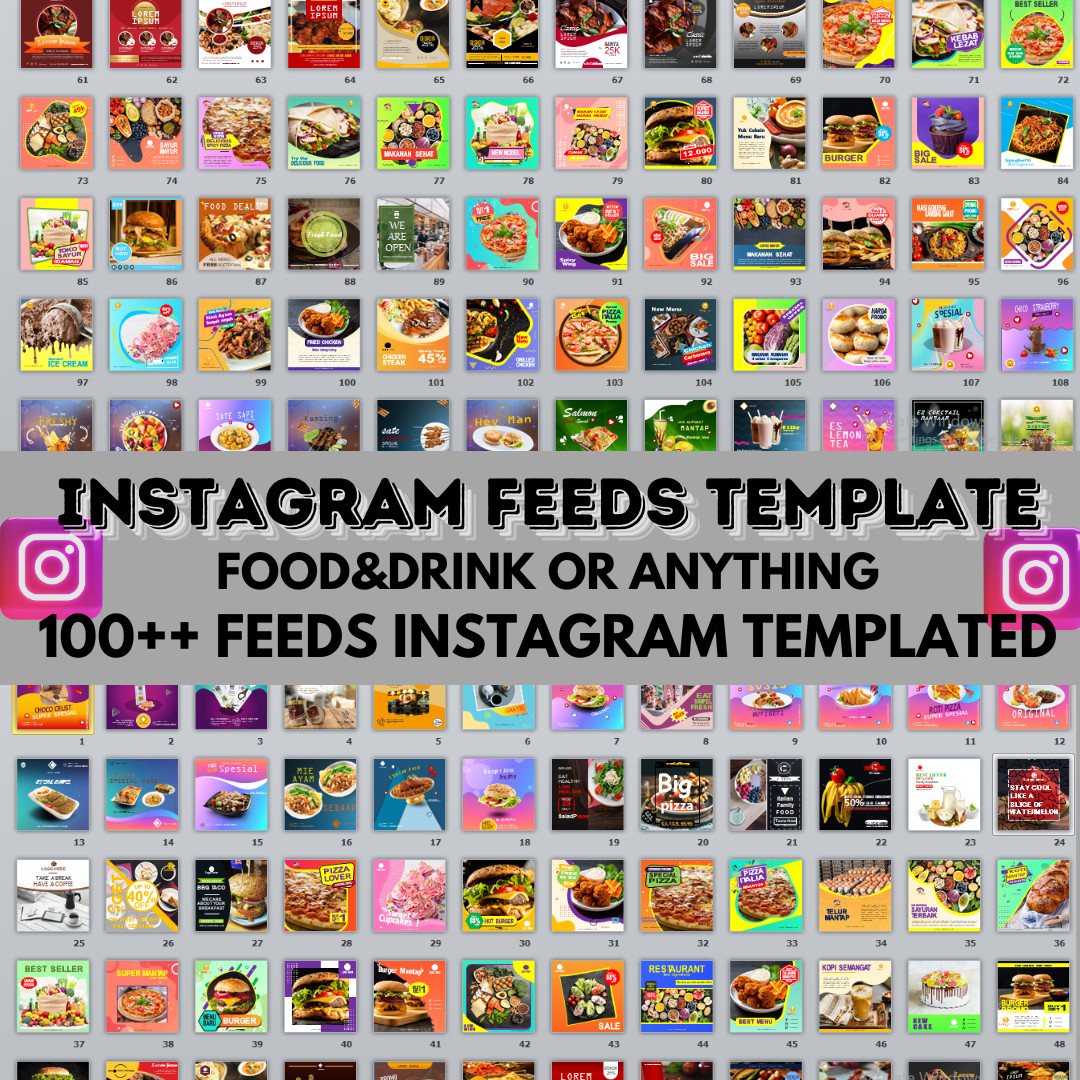
For those who need a bigger well of layouts, this pack delivers over 100 templates in one download. The editing workflow is identical: swap your photos and captions in PowerPoint, convert to JPG, and post. The sheer number of designs means you can keep your feed feeling fresh for months, even if you're producing content for a busy restaurant or cafe account. It also covers 'or anything,' so you can adapt the layouts to non-food niches as well. The limitation is the higher price, which might feel like more than you need if your posting schedule is light. But for content-heavy creators, the cost per layout works out in your favor because you're buying a much larger library for a one-time purchase.
Final Choice by Use Case
Choose the 30-pack if you're on a budget, posting occasionally, or running a single-brand feed. Choose the 100++ pack if you're posting daily, managing a food or drink account, or just want the freedom to switch up your grid without reusing the same layouts. Either way, both packs follow the same PowerPoint workflow and arrive by email, so your choice should be based on how much visual variety your content calendar demands.