Choosing a business planning spreadsheet often comes down to a practical trade-off: do you want a simple planning document, or a workbook that can keep working after the plan is written? EXCEL TEMPLATE (FULL VERSION) - Business Control v2.0 leans toward ongoing financial control, combining budgeting and tracking tasks with cash-flow projection and financial-statement functions.
Quick verdict
Business Control v2.0 is a sensible fit for someone who already works in Microsoft Excel and wants a single workbook-oriented tool for turning budgets into ongoing comparisons with actual results. At USD 25.82, the full version is positioned around financial organization rather than presentation-focused business-plan writing.
Its central appeal is the combination of activities named in the description: creating budgets, tracking them against actual figures, compiling Excel-based financial statements, and making cash-flow projections. That scope can be useful when a business plan needs to stay connected to day-to-day financial monitoring.
The important trade-off is technical: it requires Excel 2007 or a newer version, with macros enabled. It also carries a one-computer license.
Who it suits
Business Control v2.0 makes the most sense for a business owner or planner who prefers working directly in Excel and expects to revisit numbers regularly. The budget-versus-actual focus is particularly relevant when the goal is not only to set targets, but also to compare those targets with real performance over time.
It can also suit someone assembling the financial side of a business plan, especially where projected cash flow and formal financial statements matter alongside the initial budget.
What stands out
EXCEL TEMPLATE (FULL VERSION) - Business Control v2.0
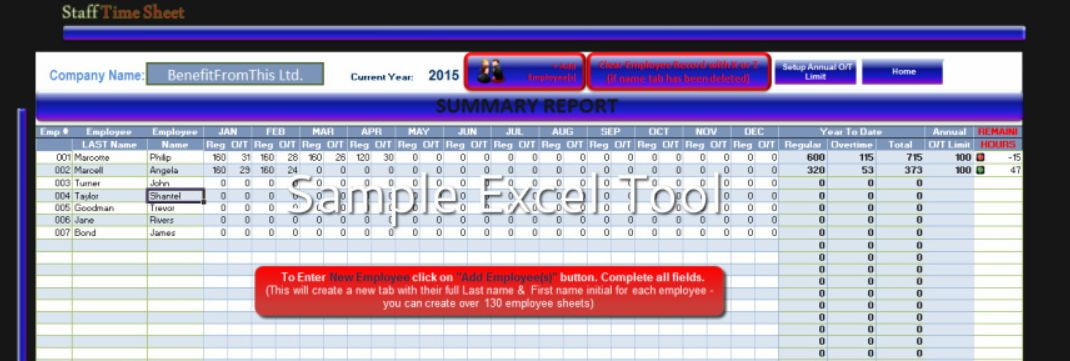
The strongest reason to choose this Excel template is its connected financial workflow. Rather than stopping at a budget, Business Control v2.0 is described as supporting budget creation, actual tracking, financial-statement compilation, and cash-flow projections. For a planner who wants financial planning and financial control in the same Excel environment, that is a concrete advantage.
The full-version title and one-computer license also make its intended use clear: it is designed as a licensed workbook for use on a single computer. The key limitation is that macros must be enabled, so it is best suited to people comfortable using macro-enabled Excel files. It is also specifically tied to Excel 2007 or newer rather than serving as a format-neutral planning tool.
Meaningful trade-offs
The workbook's breadth is useful only if its functions match the way you manage the business. A straightforward plan outline may not need financial statements or ongoing budget-versus-actual comparisons. Conversely, a financial plan that needs recurring updates may benefit from having projections and tracking tools together.
Excel compatibility is the other deciding factor. If Excel is already your primary place for financial work, the format keeps the planning process familiar. If macro-enabled workbooks are not part of your usual setup, that requirement is a meaningful consideration before choosing Business Control v2.0.
Bottom line
Choose EXCEL TEMPLATE (FULL VERSION) - Business Control v2.0 when your business plan needs practical financial follow-through: budgets, actual results, financial statements, and cash-flow projections in Excel. Its best use case is an Excel-based planning routine that continues into regular financial monitoring, provided you can use Excel 2007 or newer with macros enabled.