When you're putting together a business plan in Excel, the first fork in the road is whether you want a guide to show you how to build a spreadsheet or a template that already has the structure in place. The four products here span that range: a $2.15 trial template, two used guidebooks, and a brand-new laminated reference. The right choice depends on how comfortable you are with Excel and how much you want to follow a pre-built structure.
Quick Take
The Financial Tracker - Business Template (Trial) is the only product that is actually a spreadsheet you can open and start using. The QuickStudy Excel - Business Math Guide is the only brand-new printed reference, but it's also the most expensive. The two books are longer teaching tools: one focuses on financial models, the other on Excel 2013 for scientists and engineers.
Listed-Price Comparison
| Product | Listed Price | Price Bar |
|---|---|---|
| Financial Tracker - Business Template (Trial) | USD 2.15 | |
| A Guide to Microsoft Excel 2013 for Scientists and Engineers | USD 4.99 | |
| Building Financial Models with Microsoft Excel | USD 6.73 | |
| QuickStudy Excel - Business Math Guide | USD 18.50 |
Decision Matrix
| Product | Choose It If | Keep In Mind |
|---|---|---|
| Financial Tracker - Business Template (Trial) | You want a working Excel file to start budgeting immediately | It's a trial, and it needs Excel 2007 or newer with macros enabled |
| A Guide to Microsoft Excel 2013 for Scientists and Engineers | You need a book focused on Excel 2013 calculations for technical work | The used copy is in Acceptable condition |
| Building Financial Models with Microsoft Excel | You want a hardcover guide to building financial models step by step | The used hardcover may show normal signs of use |
| QuickStudy Excel - Business Math Guide | You want a new, laminated quick reference for business math | It has the highest listed price of the four |
Product Notes
Building Financial Models with Microsoft Excel
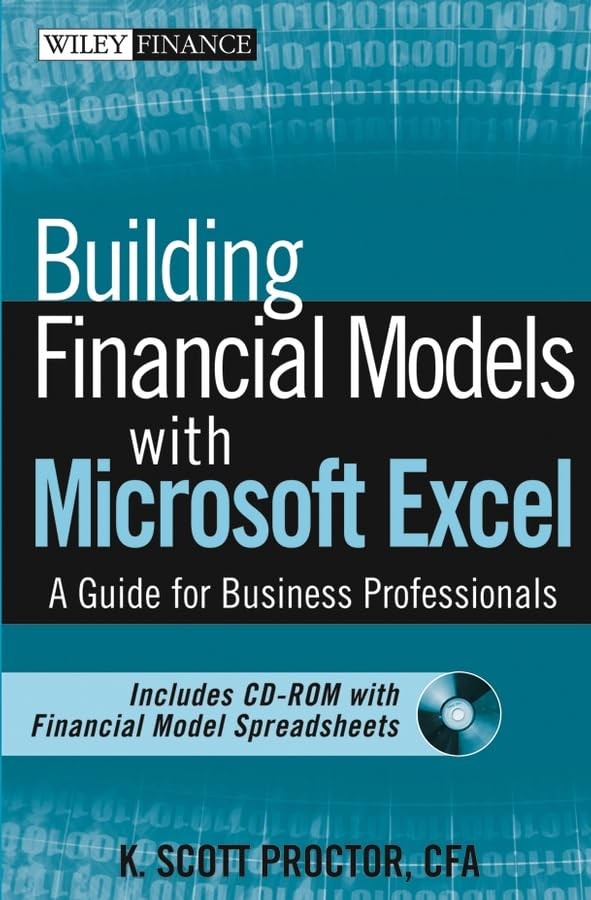
This hardcover guide by K. Scott Proctor is listed at $6.73 in Good condition. If you're comfortable with a used book, it's a low-cost way to work through the process of creating financial models in Excel. The listed details point to a solid, complete copy that may show normal signs of use, such as light writing or highlighting, but with pages intact. Choose this one when you want a more traditional book-length walkthrough. The main limitation is the condition: it's not a brand-new copy, so it may show the kind of wear that comes with a previously owned guide.
A Guide to Microsoft Excel 2013 for Scientists and Engineers
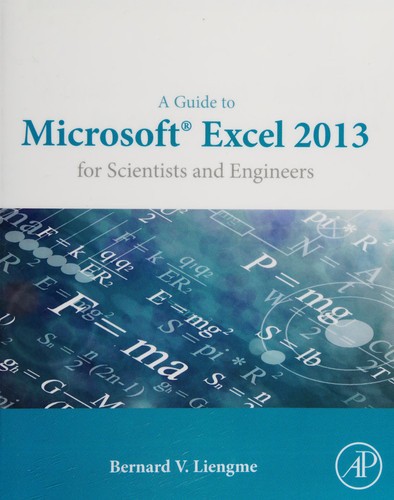
By Bernard Liengme, this trade paperback is the lowest-priced printed guide here at $4.99. The Acceptable condition means it may contain highlighting, underlining, or heavier signs of wear, and it could be ex-library or without a dust jacket. If you work with scientific data and need a book aimed at Excel 2013, this is a very economical choice. The limitation is the condition: it's described as acceptable, not good or new, so it's a budget-minded purchase. If you want a cleaner reference, you may want to consider the laminated guide instead. But if you just need the content, this is the cheapest book in the roundup.
QuickStudy | Excel - Business Math Laminated 6-Page Implementation Guide
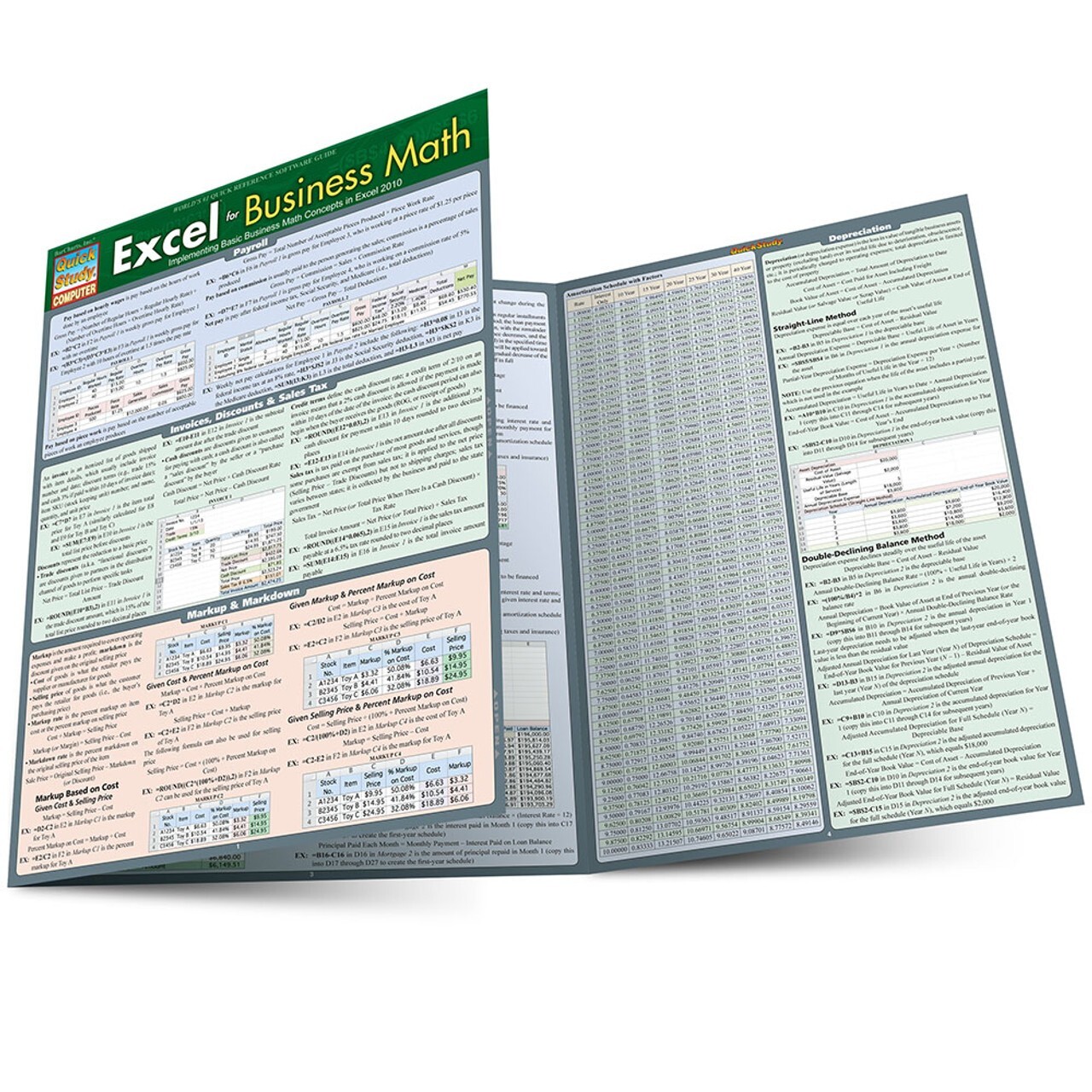
The only brand-new item here, this laminated guide is priced at $18.50. It covers essential business math and how to create equations and spreadsheets in Microsoft Excel, with screenshots, equations, and an explanation of the math written by a professor. It's a six-page laminated reference, so it's a different kind of tool from the full-length books. Choose it if you want a laminated quick reference rather than a book you'll read cover to cover. The limitation is the price: at $18.50, it's the most expensive of the four, and it's a guide, not a working template.
EXCEL TEMPLATE (TRIAL)-Financial Tracker - Business v1.5
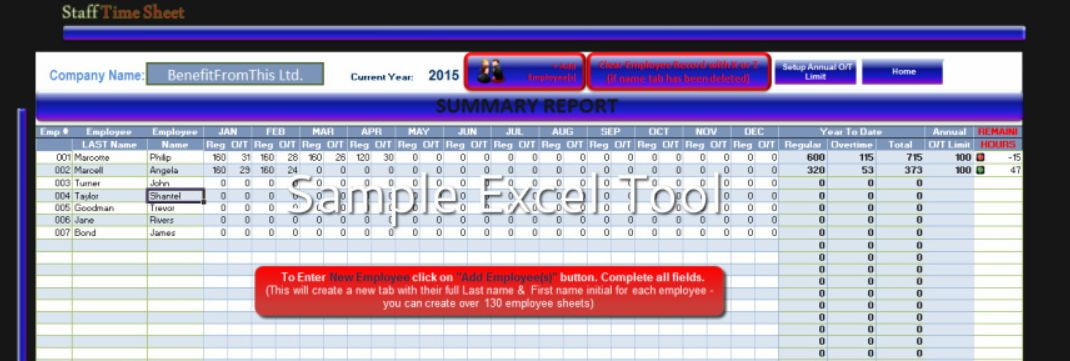
This $2.15 product is the only actual spreadsheet template here. It's a trial version in Microsoft Excel format, with a budget-by-month worksheet and year-to-date actuals for business tracking. The description says that if you buy the full version, the trial fee will be refunded. You'll need Excel 2007 or newer with macros enabled. Choose it if you want a ready-built structure to start budgeting right away instead of reading about how to build one. The limitation is that it's a trial, so it's not the full version, and it depends on your ability to run Excel macros. For the low listed price, it gives you a concrete place to start.
Final Recommendation
For a ready-to-use business plan spreadsheet, the Financial Tracker template is the only choice that gives you a working file, and at $2.15 it's the lowest price here. If you prefer a printed resource, the laminated QuickStudy guide is brand new and easy to keep beside your keyboard, but it costs the most. Between the two books, the hardcover financial modeling guide is more general, while the Excel 2013 science and engineering book is for more technical Excel work. The best pick depends on whether you want to start typing numbers immediately or learn the methods first.