If you're ready to create social media graphics that don't look thrown together, you may be eyeing Canva but feel unsure which beginner guide will actually get you there. Four paperbacks promise to walk you through Canva, but they split into different emphases: general design fundamentals, an interface-focused walkthrough, a branding-and-projects manual, and a social-media-marketing deep dive. Your main decision is which focus matches how you learn and how much you want to spend.
Quick Take
Clara Caden's Canva User Guide For Beginners is the lowest-priced option at USD 32.68 and gives you a broad tour from color theory and typography to templates and practical design. Sean K. Danner's Canva User Guide for Beginners 2025 costs USD 34.09 and uses a 2025-focused walkthrough to build confident designs. Evan Jk Stratton's Canva User Guide for Beginners is USD 37.85 and covers branding, business cards, resumes, presentations, and brand kits step by step. Lumina Technologies' Canva for Beginners is the highest-priced guide at USD 42.22, and it keeps social media marketing front and center for small business owners and content creators.
Listed Price Comparison
| Guide | Listed Price | Price Bar | Focus |
|---|---|---|---|
| Canva User Guide For Beginners (Clara Caden) | USD 32.68 | Color theory, typography, templates, social posts, business materials | |
| Canva User Guide for Beginners 2025 (Sean K. Danner) | USD 34.09 | Updated 2025 interface, template workflow, quick confident designs | |
| Canva User Guide for Beginners (Evan Jk Stratton) | USD 37.85 | Branding, business cards, resumes, presentations, brand kits | |
| Canva for Beginners (Lumina Technologies) | USD 42.22 | Social media marketing, scroll-stopping visuals |
Decision Matrix
| Your priority | Pick this guide |
|---|---|
| A complete Canva overview | Clara Caden's Canva User Guide For Beginners |
| Learning on Canva's current interface and template flow | Sean K. Danner's Canva User Guide for Beginners 2025 |
| Design variety beyond social posts, including branding and documents | Evan Jk Stratton's Canva User Guide for Beginners |
| Social media marketing with a polished finish | Lumina Technologies' Canva for Beginners |
Product Notes
Canva User Guide For Beginners (Clara Caden)
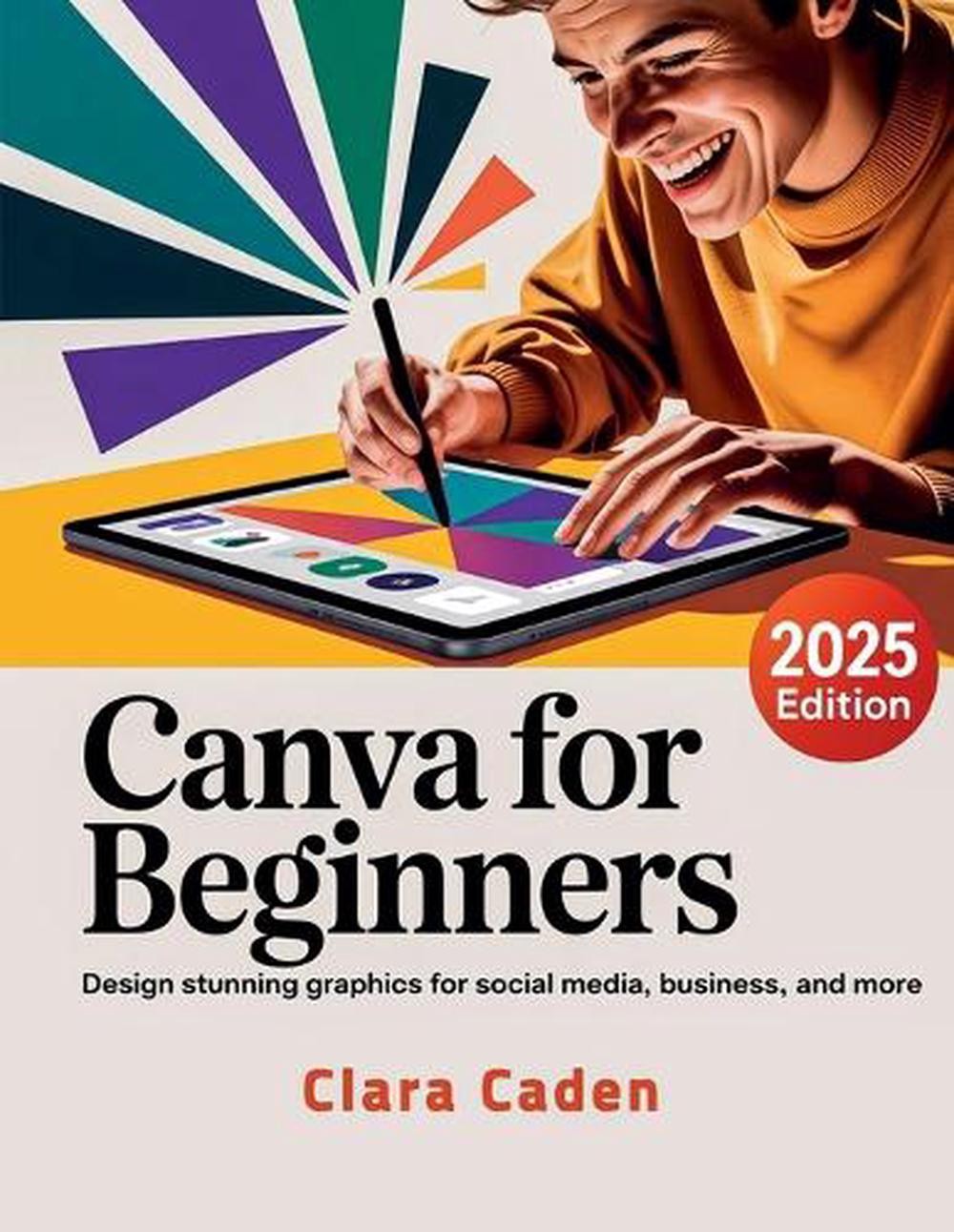
Clara Caden's guide is the lowest-priced of the four, but it doesn't skimp on the fundamentals. It starts with color theory and typography before walking you through templates and practical design skills, making it a solid first book if you want to learn Canva's essential features and then create social media posts and business materials on your own. The overview approach means you get a little of everything rather than a deep dive into one project type. If you already know you only care about one specific use case, you may find a different guide with a narrower focus more useful, but for a general grounding this price is hard to argue with.
Canva User Guide for Beginners 2025 (Sean K. Danner)
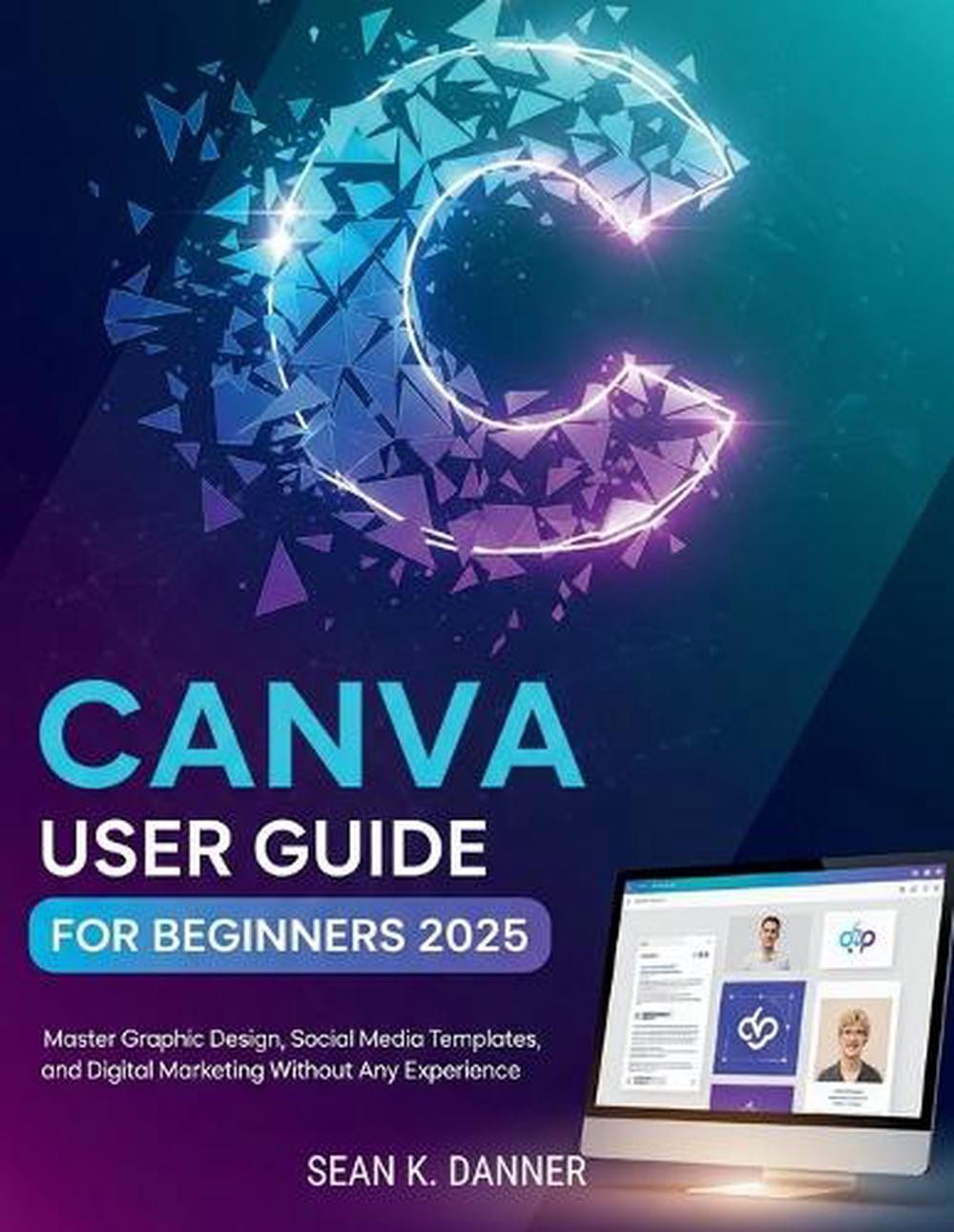
Sean K. Danner's book is the one that addresses Canva's updated interface directly, so it fits you if you're learning on the current version and want your tutorial steps to match what's on your screen. The guide is built around navigating the interface, mastering essential tools, and using templates to turn ideas into eye-catching graphics without starting from scratch. Because the 2025 framing is baked into the lesson sequence, it's most useful when you are learning on that version and less necessary if you prefer an approach focused purely on design principles rather than the specific interface year. For learners who want the walkthrough tied to the canvas they'll actually use, this is a focused choice.
Canva User Guide for Beginners (Evan Jk Stratton)
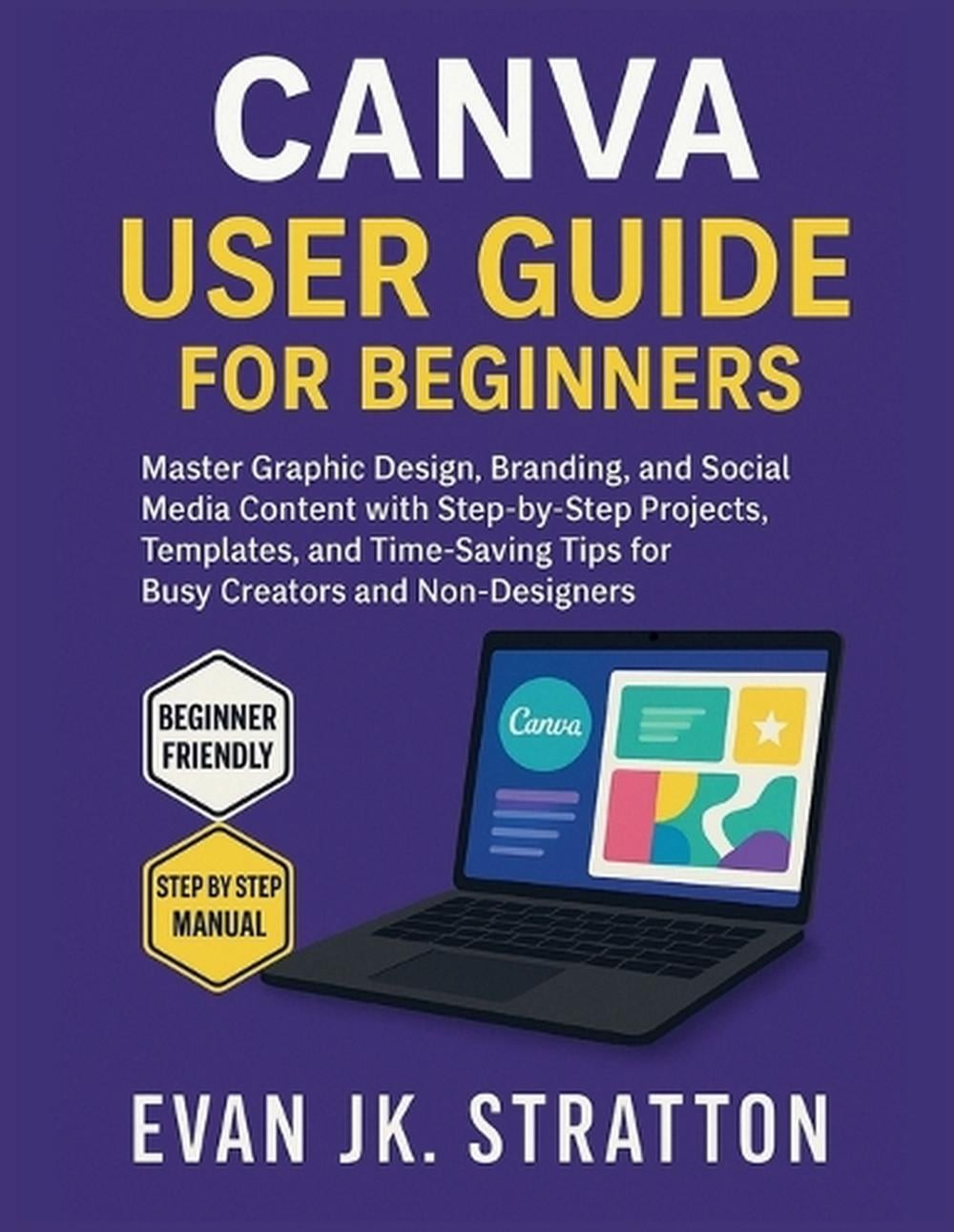
Evan Jk Stratton's guide is for people who want one manual that covers many design jobs. The book promises step-by-step, click-by-click instructions for social media posts, business cards, resumes, presentations, and brand kits, which makes it a practical companion for freelancers, job seekers, or small business owners who wear many design hats. It's written for non-designers and time-starved creatives, so the explanations are structured around completing projects rather than just explaining tools. The trade-off is that social media posts appear as one project type in a broader lineup; if your only goal is Instagram and Facebook graphics, this wider scope means you'll have extra material on branding and documents to navigate around.
Canva for Beginners (Lumina Technologies)
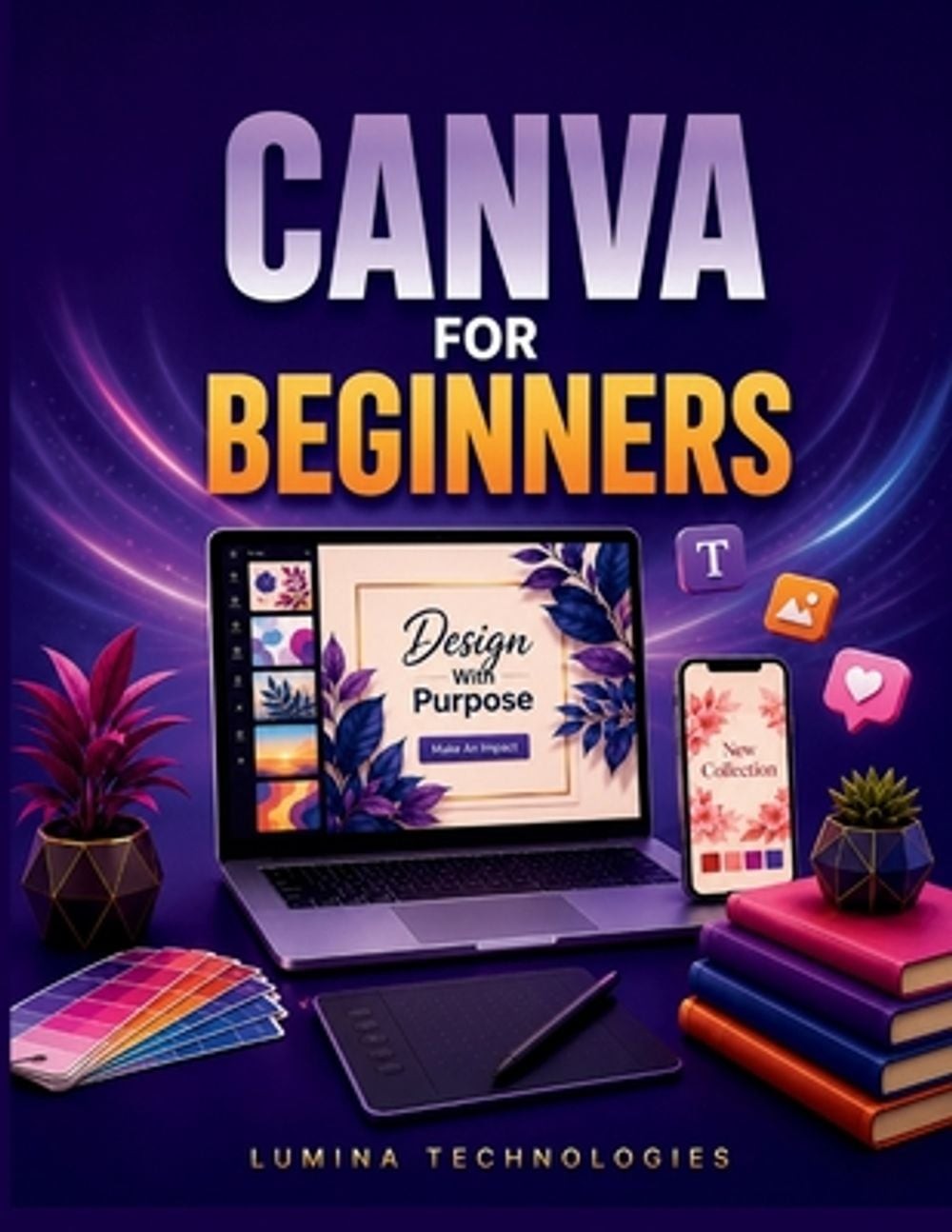
Lumina Technologies' guide is the most marketing-minded book here. It's aimed at small business owners, content creators, freelancers, students, and side-hustlers who want their designs to look as professional as their work actually is. The book closes the gap between amateur-looking flyers and scroll-stopping social media visuals by walking step-by-step through Canva with a marketing goal in mind. It also costs the most of the four, so you're paying for that marketing depth and the polished finish it promises. If you're primarily creating social media marketing graphics and want a guide that keeps that purpose in view, this is the one that matches your use case most closely.
Final Recommendation by Use Case
If you want a complete overview, Clara Caden's Canva User Guide For Beginners is a strong starting point. If you're working in Canva's current interface and want lessons tied to it, Sean K. Danner's guide is the focused match. If your projects span social media, branding, and documents, Evan Jk Stratton's Canva User Guide for Beginners covers more ground at a middle price. And if social media marketing is your main objective, Lumina Technologies' Canva for Beginners is the guide that never lets that goal drift out of view.