Quick Take
You want social media graphics that don't look like a rushed template. Canva is the tool, and the right guide can get you from blank canvas to a polished post faster. The four paperback guides here take different routes: one broad content-creation reference, one marketing-focused book, one compact no-experience tour, and one beginner guide aimed at a specific version year. The lowest listed price is $18.28 for *Mastering Canva*, the highest is $42.22 for *Canva for Beginners*, and the other two sit in between. Your decision really comes down to how much hand-holding you want and whether a version-specific path matters to you.
What matters most is not what the guide promises on the cover, but how its structure matches your starting point. A total beginner may want a slower, guided route, while someone who already uses Canva may prefer a compact overview that fills in gaps. The four books below give you a range of options, so think about your own comfort level before you pick.
Listed Price Comparison
| Guide | Focus | Listed Price | Price Bar |
|---|---|---|---|
| Mastering Canva | Broad all-level design reference | USD 18.28 | |
| Canva for Beginners | Social media marketing guide | USD 42.22 | |
| Canva - The Complete Guide | Compact tour from setup to more advanced features | USD 18.79 | |
| Canva User Guide for Beginners 2025 | Beginner walkthrough with a version-focused approach | USD 34.09 |
Decision Matrix
| Guide | Choose it if... | Keep in mind |
|---|---|---|
| Mastering Canva | You want a broad reference that covers content creation plus design fundamentals. | The comprehensive scope may be more than a quick template walkthrough. |
| Canva for Beginners | You want a step-by-step route to polished marketing materials. | The pace may feel slow if you already know Canva's basics. |
| Canva - The Complete Guide | You want a compact guide that covers setup, AI tools, and more. | The 76-page length makes it a concise tour. |
| Canva User Guide for Beginners 2025 | You want a beginner approach that emphasizes a specific Canva interface. | The beginner-first structure may be too basic if you already know Canva. |
Product Notes
Mastering Canva
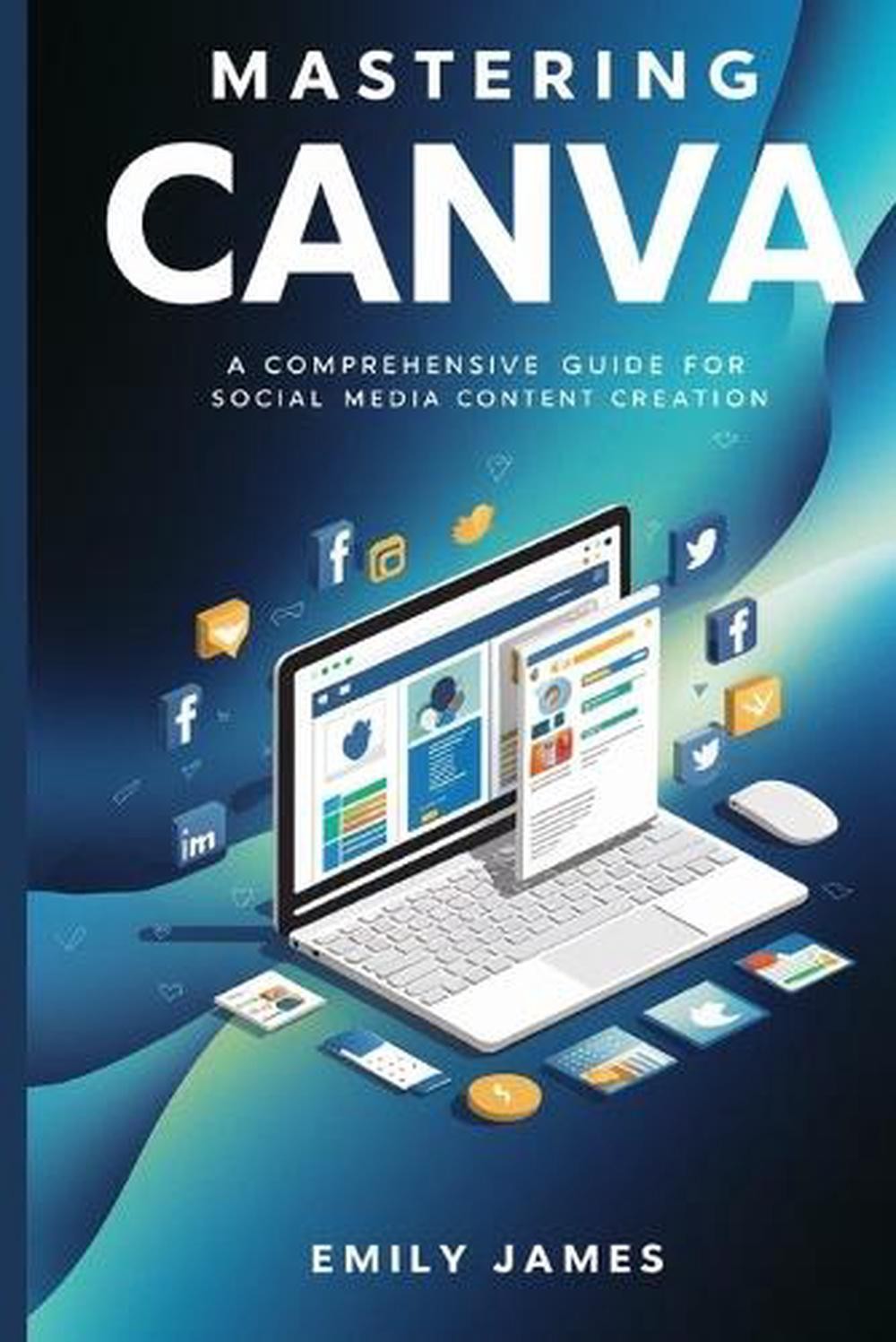
Written by Emily James and offered as a brand new paperback, this guide frames Canva as the tool for captivating visuals and moves from account setup through advanced graphics, color theory, typography, animation, and team collaboration. The all-level positioning makes it a likely fit for small business owners, freelancers, or marketers who want one broad reference for social media content creation. The trade-off is that a comprehensive approach can also mean a lot of ground to cover, so if you want a very short focused cheat sheet, the compact guide in this set may match you better.
Canva for Beginners
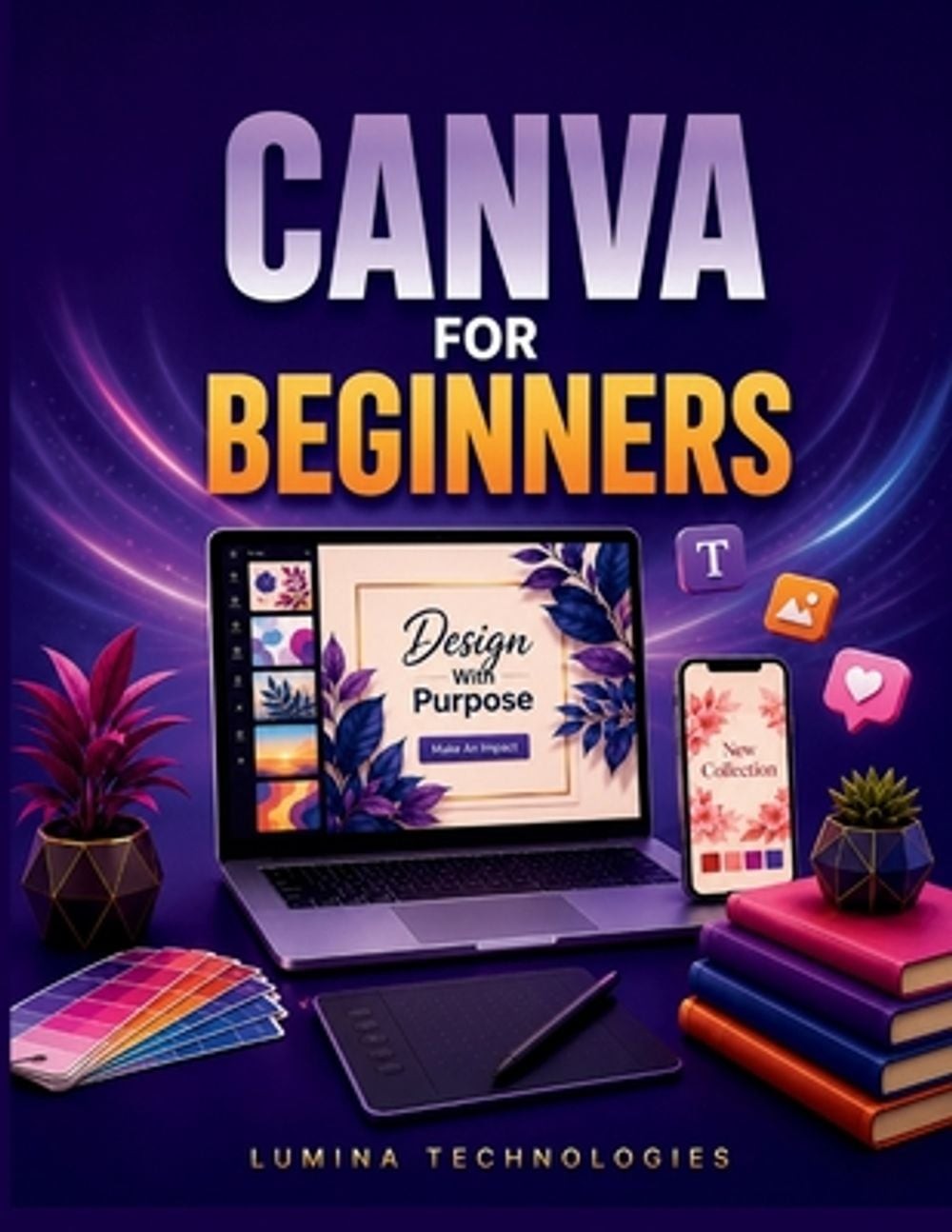
This guide from Lumina Technologies aims at readers who are tired of amateur-looking marketing and content creators chasing a stronger grid. It offers a complete, step-by-step path through Canva, and the beginner angle is clear from the title. If your goal is social media marketing rather than general design, this is the one with the marketing-specific wording. Its step-by-step structure walks you through the steps, but the pace may feel slow if you already have experience with Canva's basics.
Canva - The Complete Guide
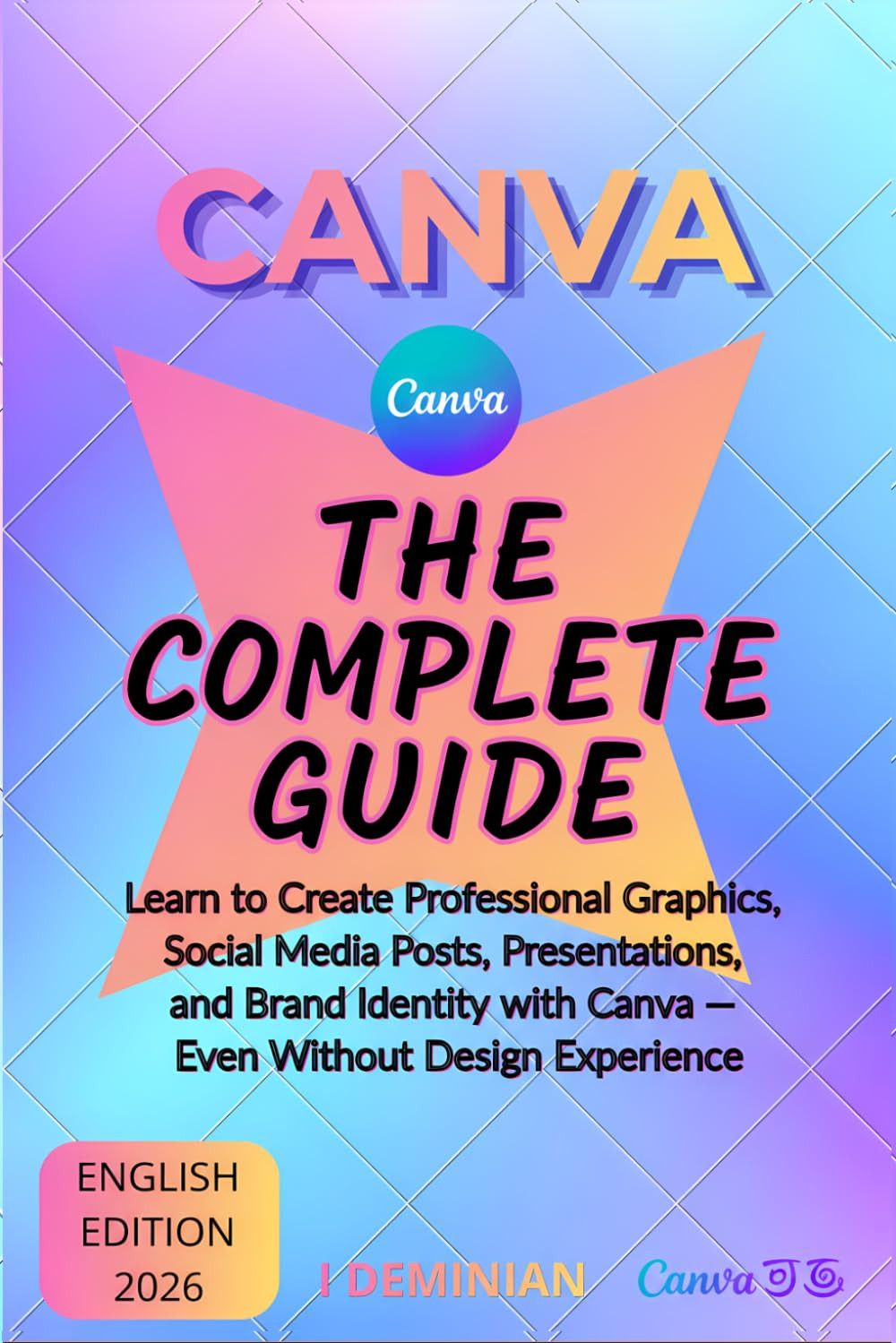
This 76-page guide keeps things concise, but it packs in account setup, AI tools, Brand Kits, animations, and social media strategy. The title explicitly says you can learn even without design experience, and the content positions it for complete beginners. If you want to see the full Canva picture without a long read, this condensed tour is a useful fit. The downside is the page count: if you want long exercises or deep dives into every feature, the brevity may leave you wanting more. It covers social media posts, presentations, and brand identity, which makes it a well-rounded choice for a quick self-starter read.
Canva User Guide for Beginners 2025
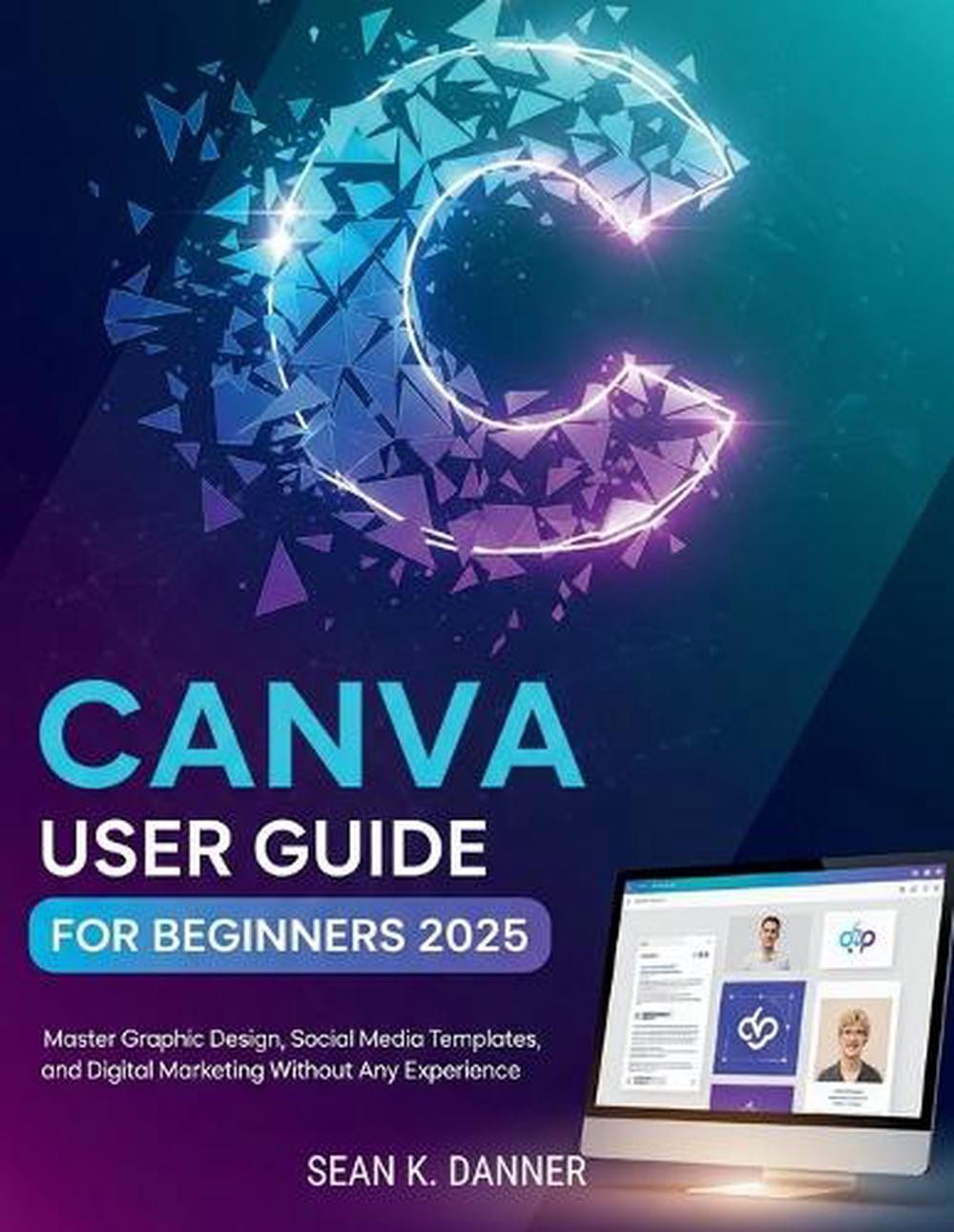
Sean K. Danner's guide is aimed at people who want to create graphics, social media posts, business logos, and presentations without working through complicated software. It walks through Canva's updated interface and essential tools, with a beginner-friendly approach. That makes it a good candidate if you want an interface walkthrough tied to a specific version year. The beginner-first structure is a bonus if you are new to design, but it may feel too elementary for someone who already knows their way around Canva's layout.
Final Recommendation by Use Case
- For a broad content-creation reference, choose Mastering Canva.
- For a structured marketing guide, choose Canva for Beginners.
- For a quick no-experience tour, choose Canva - The Complete Guide.
- For a version-oriented walkthrough, choose Sean K. Danner's Canva User Guide.